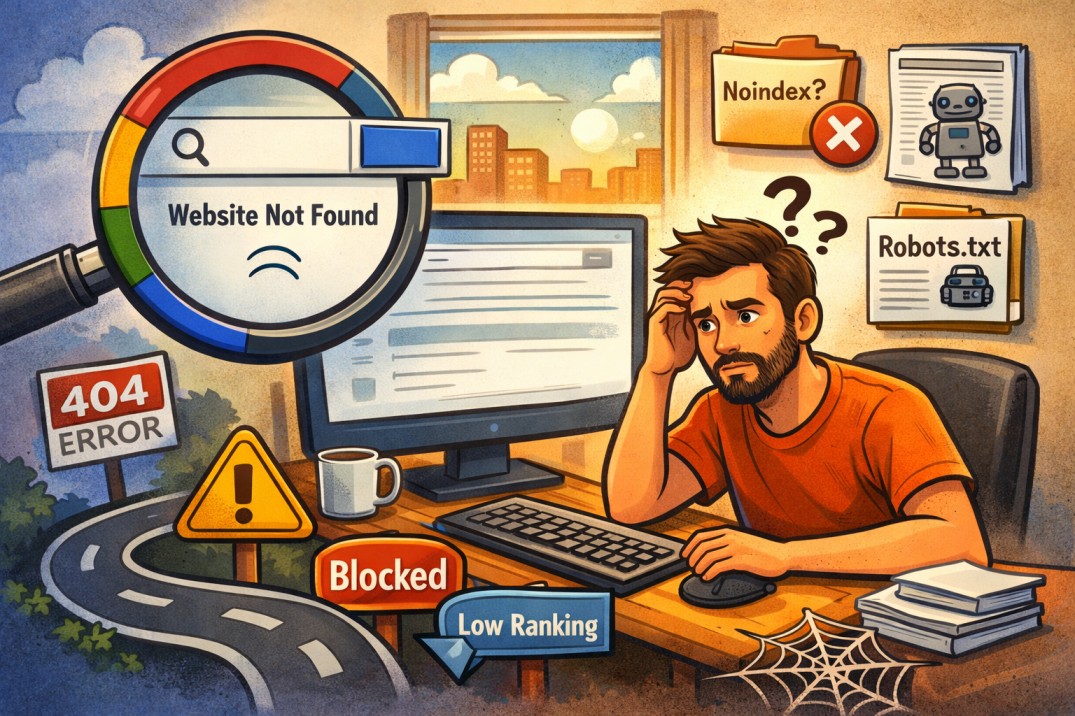
Why My Website Is Not Showing on Google? 9 Real Reasons & How to Fix Them (Step-by-Step)
Why My Website Is Not Showing on Google?
You launched your website.
You published content.
But when you search on Google… nothing appears.
If your website is not showing on Google, you are not alone. This is one of the most common problems new website owners face.
In this guide, we will break down the real reasons your site may not appear — and exactly how to fix each one.
1️⃣ Your Website Is Not Indexed
Before anything else, your website must be indexed by Google.
How to check:
Search this in Google:
If no results appear, your site is not indexed.
How to fix:
-
Submit your website to Google Search Console
-
Request indexing manually
-
Make sure your pages are crawlable
You can also check technical signals using tools like Google Indexing & Cache Checker Tools to verify whether Google has discovered and cached your pages.
-
Google Indexing & Cache Checker (internal linking suggestion)
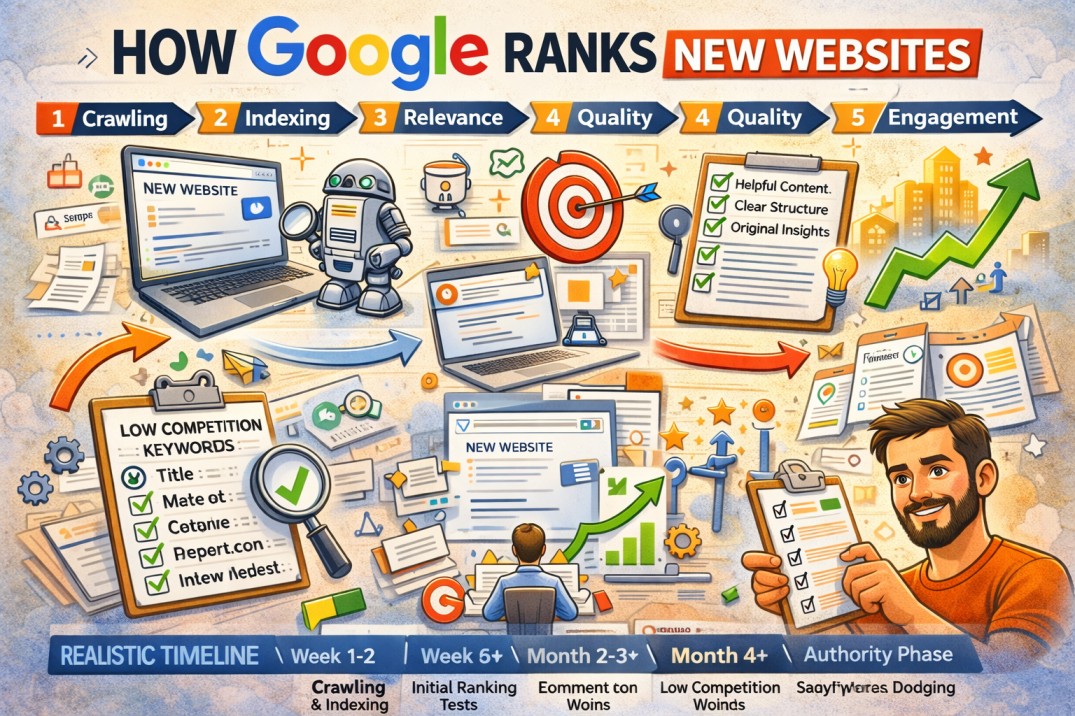
2️⃣ Your Website Is Too New
If your website is brand new, Google may need time.
Usually:
-
New domains: 1–3 weeks
-
New pages: 2–10 days
What you should do:
-
Keep publishing content
-
Build internal links
-
Share pages on social media
Consistency helps Google trust your site.
3️⃣ You Have a “Noindex” Tag
Sometimes websites accidentally block Google.
Check your page source for:
If it exists, Google will not show your page.
Fix:
-
Remove the noindex tag
-
Clear cache
-
Request re-indexing
4️⃣ Your Robots.txt Is Blocking Google
Visit:
If you see something like:
That means your entire site is blocked.
Fix it immediately.
5️⃣ Your Website Has Technical Errors
Google may crawl your site but fail to rank it due to:
-
Server errors (5xx)
-
Slow loading speed
-
Broken pages
-
Redirect loops
You should test:
-
Website speed
Technical health affects visibility directly.
To analyze loading speed, page size, and other technical issues, you can also use our Website Performance and Speed Testing Tools.
6️⃣ Your Content Has No Search Demand
Sometimes the issue is simple:
Nobody is searching for what you wrote.
Before publishing, always check:
-
Search volume
-
Keyword difficulty
-
Competition level
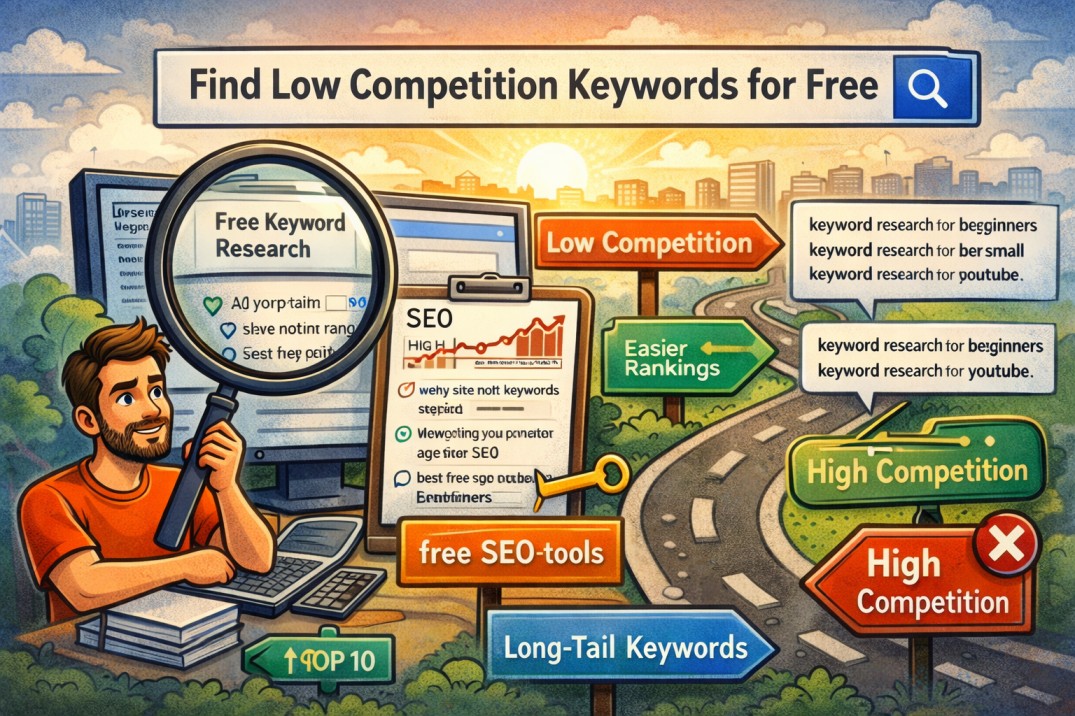
You can discover new keyword ideas using our Keywords Suggestion Tool to find topics people are actively searching for.
Target long-tail keywords instead of broad ones.
Example:
❌ SEO
✅ how to optimize blog posts for SEO beginners
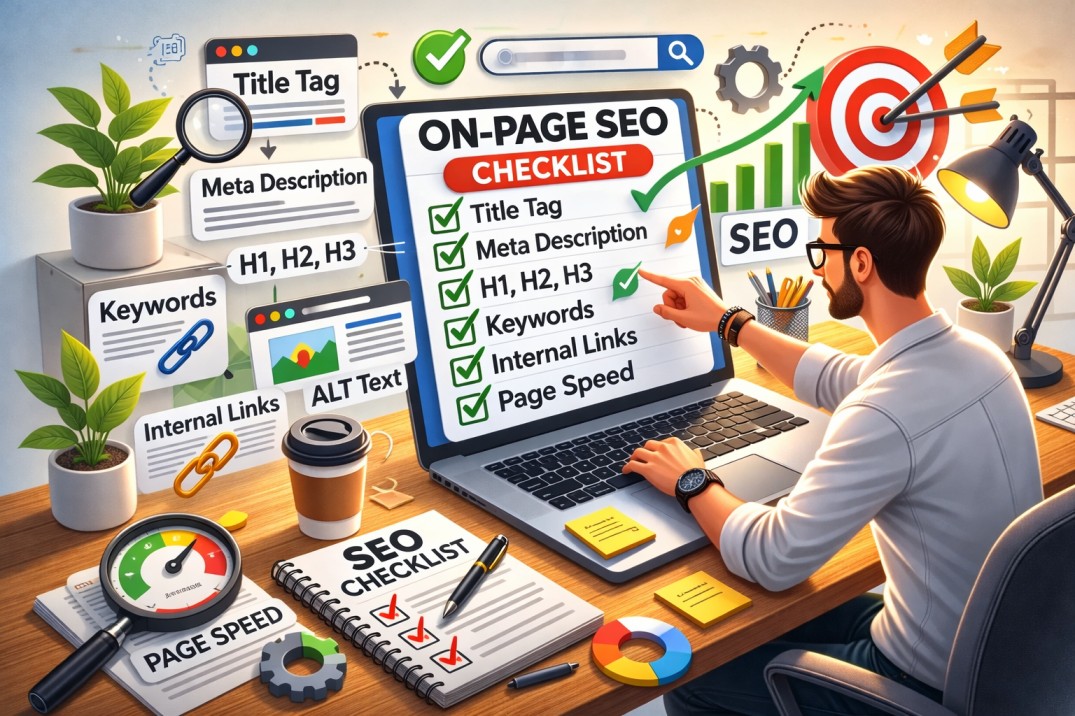
7️⃣ Your Pages Have Weak On-Page SEO
Check if you have:
-
Proper H1 heading
-
Optimized title tag
-
Meta description
-
Internal links
-
Clear keyword focus
Without proper structure, Google struggles to understand your page.
If you want practical ways to improve your website without expensive SEO software, read our guide Improve Website SEO Without Paid Tools.
8️⃣ You Have No Authority Yet
Google ranks trusted websites higher.
If your domain is new and has:
-
No backlinks
-
No engagement
-
No traffic
Ranking will be slow.
Solution:
-
Focus on helpful content
-
Improve user experience
-
Build topical authority
9️⃣ You Are Searching the Wrong Way
Sometimes your page ranks — just not for your name.
Try searching using:
-
Exact keyword phrases
-
Incognito mode
-
Different devices
Personalized search can hide real rankings.
If you are new to SEO tools, our SEO Tools Guide explains the most useful tools for analyzing websites, keywords, and search performance.
🚀 Step-By-Step Action Plan
If your website is not showing on Google, follow this order:
-
Check indexing (site: search)
-
Verify noindex & robots.txt
-
Test technical errors
-
Optimize on-page SEO
-
Target better keywords
-
Keep publishing consistently
SEO is not instant — but when done correctly, it compounds.
🔎 FAQ Section
Why is my website not appearing in Google search?
Most commonly because it is not indexed, blocked by noindex, or too new.
How long does it take for Google to index a website?
Usually between a few days to a few weeks.
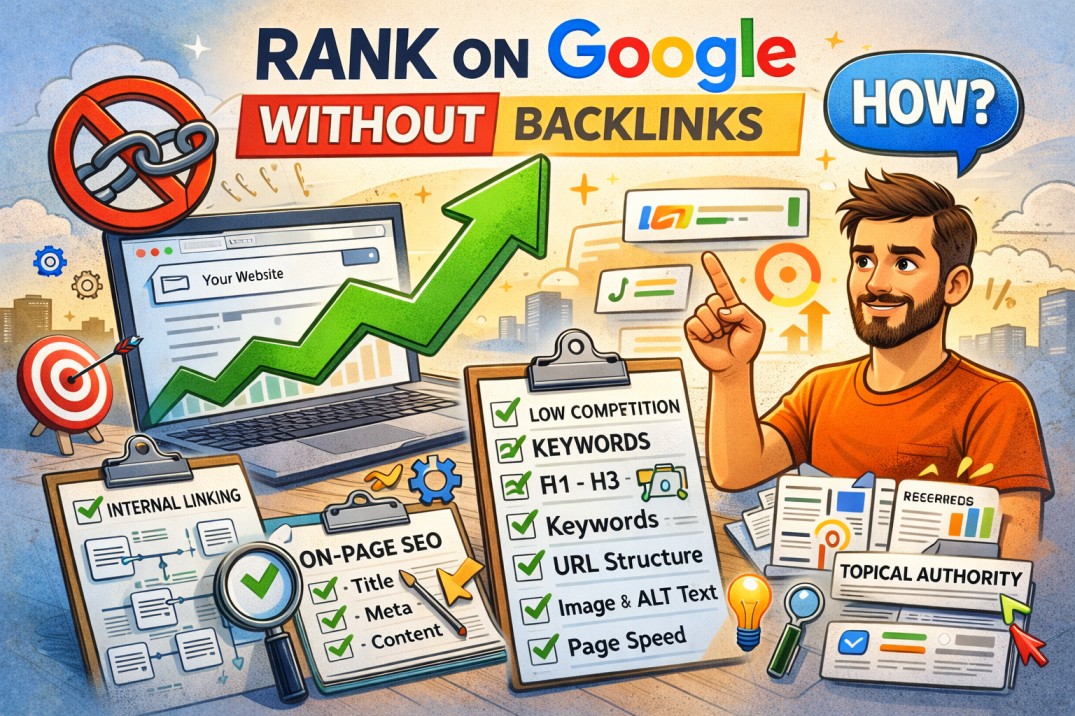
Can a website rank without backlinks?
Yes, but it requires strong on-page SEO and low-competition keywords.